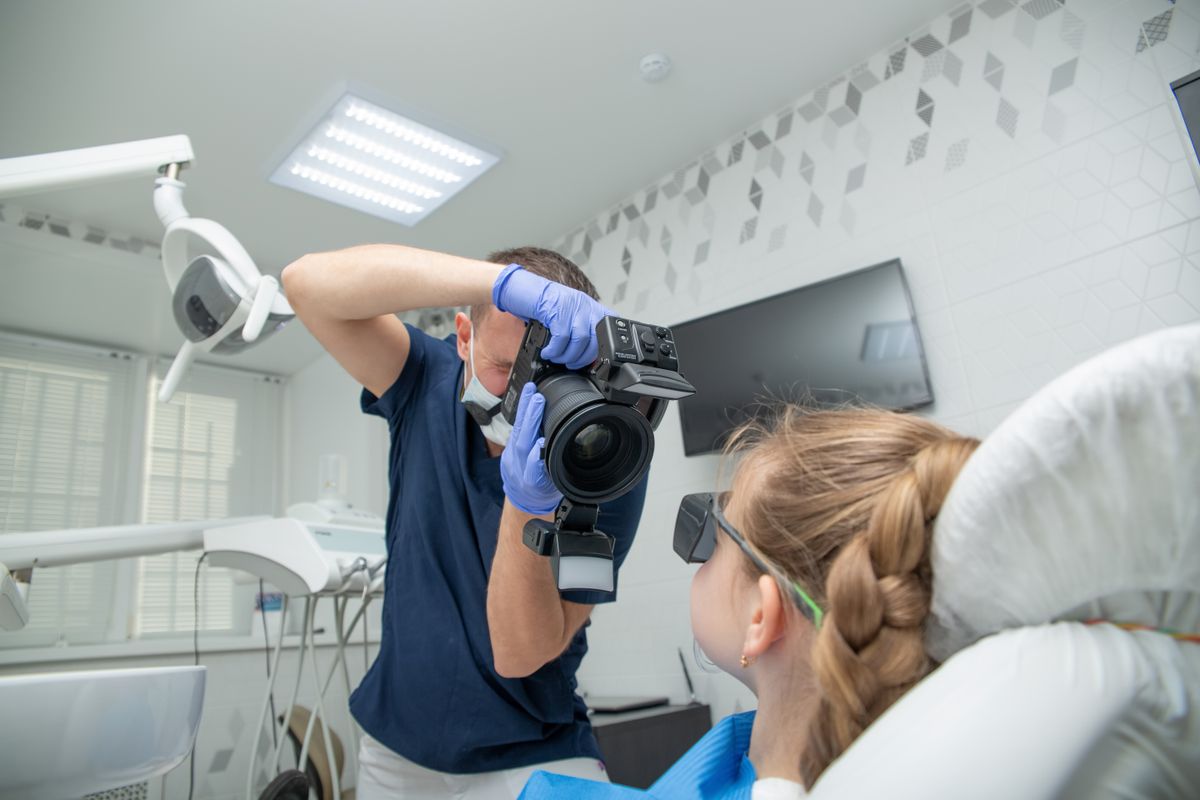
A med spa owner showed us her website this summer, a little frustrated. The photos were beautiful. Real before and after shots, warm images of the treatment rooms, the whole team smiling in matching scrubs. She had paid good money for the shoot. Her question was simple: why was none of it showing up when she searched for her own treatments on Google?
We opened the page code and the answer was right there. Every image was named something like IMG_4821.jpg, straight off the camera. The alt text, the little description that tells a search engine what a picture shows, was empty on all of them. Beautiful photos, zero labels. To Google, each one was a blank rectangle. It had no idea a single one of them was a lip filler result in Scottsdale. So it never showed them to anyone searching for exactly that.
This is one of the most common and most fixable misses we see on healthcare websites. And it matters more than most owners think.
Image search is bigger than you think
It is easy to assume everyone searches with words typed into the main box. Plenty do. But image search is a real slice of how people look for things. Roughly one in ten Google searches happens in Google Images, and the image engine handles well over a billion queries a day, a scale laid out in Ahrefs' roundup of Google search statistics. On top of that, photos show up as thumbnails right inside normal search results and inside your Google Business Profile, so images are doing work for you in more places than the Images tab alone.
Now think about who searches with pictures in mind. Someone wondering what results look like for a treatment. A parent checking whether a pediatric dental office looks calm and kid friendly. A patient who wants to see the inside of a clinic before they book. For anything visual, and healthcare is full of visual decisions, people absolutely browse images on the way to picking a provider. If your photos are not labeled, you are not in that browse.
What Google actually reads when it looks at a photo
Here is the part that trips people up. A computer does not see a photo the way you do. When Google looks at the image file itself, it can make educated guesses with its vision models, but it leans heavily on three written clues to be sure what it is looking at. Google says this plainly in its own image SEO documentation: it uses the alt text, the file name, and the words on the surrounding page to understand an image and decide where to rank it.
So the three clues are:
- The file name. tampa-dermatology-acne-treatment.jpg tells a story. IMG_4821.jpg tells nothing.
- The alt text. The short description in the code. This is the single most important label, and it is the one almost everyone leaves blank.
- The page around it. A photo sitting on a page about Botox, under a heading about Botox, is understood as Botox. Context matters.
Leave all three empty and you have handed the search engine a mystery it has no reason to solve. It moves on to a competitor who labeled their photos.
And now AI reads your photos too
This is not only about the Images tab anymore. Google Lens lets a person point their camera at something, or drop in a picture, and search by what they see. AI tools do a version of the same thing when they summarize the web. They all read images using the picture plus that written description around it. A clearly described photo of a treatment or a result can surface your practice when someone searches visually. A photo with no label is one the machine cannot interpret, so it gets skipped. We dug into this shift in our piece on what Google Lens means for medical practices, and the direction is clear: the better described your images, the more ways a patient can stumble into you.
The quiet bonus: accessibility and the law
There is a second reason alt text exists, and it has nothing to do with Google. Screen readers, the software blind and low vision patients use to browse the web, read the alt text aloud so the person knows what the image shows. A blank field means a patient hears nothing, or just hears the file name robot voiced as eye em gee underscore four eight two one. That is a lousy experience, and for a healthcare site it can also be a legal exposure, since website accessibility complaints against medical practices are common. Writing real alt text fixes the search problem and the access problem in the same keystroke. If you have been told a plugin handles all of this, read our take on why an accessibility widget will not protect your practice website first.
The fix, in plain steps
None of this needs a developer or a budget. It needs an hour and a little care. Here is the whole playbook.
1. Rename files before you upload them
On your computer, before the photo ever hits the website, rename it to describe what it shows, with your service or city worked in. Use real words separated the way web addresses do. So IMG_4821.jpg becomes scottsdale-lip-filler-before-after.jpg. Thirty seconds per photo, done once.
2. Write one honest sentence of alt text per image
In your website builder, every image has an alt text or alternative text field. Fill it. Describe the photo the way you would to someone on the phone who cannot see it, and let your location or treatment land naturally. A good one reads like: board certified dermatologist examining a patient's skin at our Tampa clinic. Keep it under about 125 characters. Skip the phrases image of and photo of, since search already knows it is an image. And never dump a pile of keywords in there, because that reads as spam and can hurt you.
3. Use real photos, not stock
This is where practices quietly waste the whole opportunity. That smiling stock family on your homepage lives on hundreds of other websites too, so it is not unique and it gives Google nothing special to rank. Real photos of your team, your rooms, and your actual results are one of a kind, which is exactly what image search rewards, and patients trust them far more. We make the full case in whether a practice should invest in professional photos. If you run an aesthetic practice, your before and after photos are the highest value images you own, so label them with the most care.
4. Do the same on your Google Business Profile
The photos you post to your Google listing follow the same logic, and they influence how often patients engage with your profile. We covered the ranking angle in whether Google Business Profile photos help ranking. Upload real, well named images there too, and refresh them regularly.
If you want the images to also feed rich results and help search understand your site as a whole, pair this with proper schema markup on your practice website. The two work together.
Our honest take
We are not going to pretend image SEO is the one thing that fills your schedule. It is not. Reviews, a fast website, accurate listings, and answering the phone matter more. But this is the rare fix that is completely free, takes an afternoon, helps your search rankings, helps you show up in Google Lens and AI answers, and makes your site usable for patients who cannot see well, all at once. Very few marketing tasks pay off in that many directions for that little effort. Leaving every photo blank is like printing beautiful brochures and then storing them in a locked closet.
The practices that win here are not the ones with the fanciest cameras. They are the ones who treat every photo as a labeled doorway back to their website instead of a decoration nobody can find.
Where EtherealMinds fits
We work only with healthcare practices in the United States, and this is exactly the kind of overlooked detail we clean up when we rebuild a site. When we build a med spa website that converts and ranks, every image gets a real file name and a real description, your before and after galleries get structured so search can read them, and the whole thing is wired for both patients and the machines that now decide who gets recommended. It is part of the broader healthcare SEO work that helps you show up when a patient, or an AI, goes looking for a provider like you. Small detail, real patients.
Want to know what your website is hiding from Google?
Book a free strategy call and we will audit your site for the quiet leaks, blank alt text, camera roll file names, stock photos doing nothing, missing schema, and show you what it would take to get your real photos working for you in search, Lens, and AI answers. No pressure, just an honest look.
Book a free strategy call →Frequently asked questions
Do patients really find doctors through Google Images?
More than most owners expect. Image search is roughly one in ten of all Google searches, and Google Images handles well over a billion queries a day. People search images for things like a clinic interior, a before and after result, a treatment, or a condition, and the thumbnails they tap lead straight back to the website that owns the photo. For visual fields like dermatology, med spas, dental, and plastic surgery, image search is a real discovery channel, not a rounding error.
What is alt text and why does it matter for my medical website?
Alt text is a short written description attached to an image in the page code. It does three jobs. It tells Google and AI tools what the picture shows so they can rank it in image search. It is read aloud by screen readers, which makes your site usable for blind and low vision patients and keeps you on the right side of accessibility law. And it shows in place of the image if the file fails to load. Most practice photos ship with this field blank, so they are invisible to both search engines and screen readers.
How do I write good alt text for practice photos?
Describe the photo plainly, the way you would explain it to someone who cannot see it, and work in your location or service only where it fits naturally. A good example is board certified dermatologist examining a patient's skin at our Tampa clinic. Keep it under about 125 characters, skip the words image of or photo of since search already knows it is an image, and never stuff a list of keywords. Rename the file too, so IMG_4821.jpg becomes tampa-dermatology-skin-exam.jpg before you upload it.
Should I use stock photos or real photos of my practice?
Real photos win for both trust and search. Patients spot stock imagery instantly and trust it less, and the same generic stock file appears on hundreds of other sites, so it gives Google nothing unique to rank. Real photos of your actual team, waiting room, and results are one of a kind, which is exactly what image search rewards, and they help a nervous patient picture walking in. Invest in a real shoot once and name and describe every file properly.
Does Google Lens change how patients find my practice?
Yes. Google Lens lets people point their camera or drop an image and search by what they see, and AI tools now read images the same way. They rely on the picture itself plus the alt text and the words around it to understand what they are looking at. A well described photo of a treatment or result can surface your practice when someone searches visually for that exact thing. A photo with no description is one the machine cannot interpret, so it gets passed over.