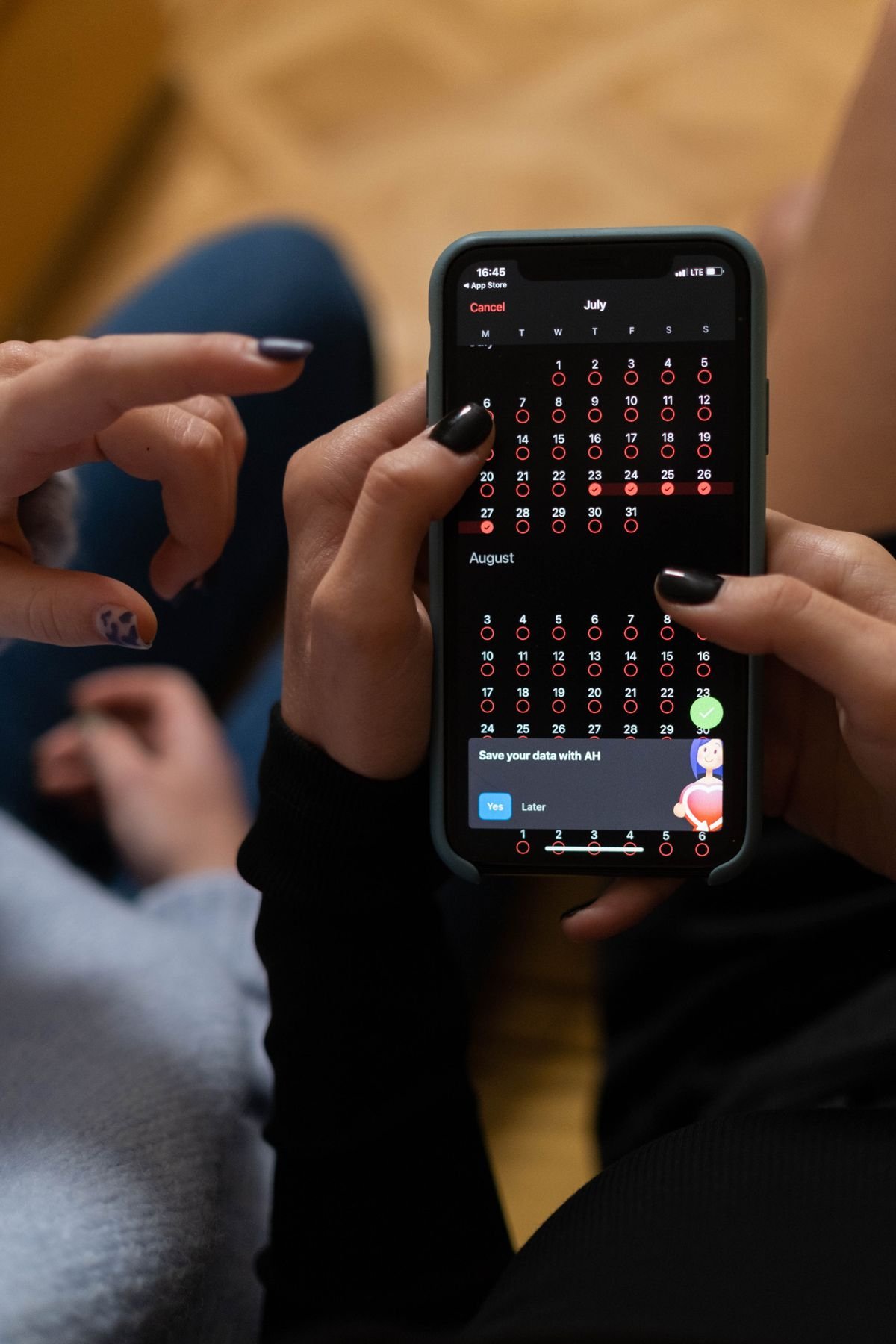
Picture the patient who booked three weeks ago. You texted them a reminder on Tuesday. They glanced at it, thought "got it," and kept scrolling. By the time the appointment rolls around, that text is buried under forty newer ones, and the visit was never anywhere that pings them. They do not skip on purpose. They just forget, because nothing on their phone was set up to remember for them.
That is the quiet gap in most reminder systems. They send information. They do not create a commitment the patient's own device will protect. An add to calendar link closes that gap, and the data on it is better than most practice owners expect for something that takes a developer about an hour to wire up.
No shows are still a very expensive problem
Start with the size of what you are fighting. Across healthcare the average no show rate sits around 23 percent, and it climbs by specialty: general practice often runs 5 to 7 percent, while benchmarks by industry put ophthalmology, OB/GYN, and behavioral health closer to 15 to 18 percent and up. The national bill for missed appointments is frequently pegged near 150 billion dollars a year, at roughly 200 dollars of lost revenue per empty slot.
And it is getting worse, not better. In 2026, nearly a third of US medical groups reported higher no show rates than the year before, according to figures gathered in industry no show research. For a four provider practice holding a 20 percent rate, that is commonly 130,000 to 160,000 dollars walking out the door every year. We wrote the full breakdown in what a single no show actually costs your practice, and the number surprises almost everyone who runs it for their own schedule.
Why a calendar link beats one more text
Reminders already help. Automated reminders cut no shows by somewhere between 30 and 60 percent depending on the study, and text specifically is the workhorse because people actually open it. Text open rates top 95 percent, while marketing style email sits closer to 20 percent. We dug into the timing of all this in when to send appointment reminders.
But here is the ceiling on reminders: they all depend on you choosing the right moment to interrupt the patient. Send too early and they forget again. Send too late and they already double booked. An add to calendar link flips that logic. Instead of you reminding the patient, the patient's phone reminds the patient. The appointment lives in the same calendar they check before saying yes to dinner plans, with its own alert the night before and an hour out. You stop guessing at timing because the device the patient trusts handles it for you.
That is why the numbers on it are strong. Healthcare technology coverage in 2026 highlighted the calendar button as a simple one button fix, with calendar invites reducing no shows by up to 25 percent for certain groups. For a tactic that costs nothing per patient and adds zero work for your front desk, that is one of the best returns in the whole reminder playbook.
Why it works on the human level
The psychology is almost too simple. People do not keep their life in your reminder texts. They keep it in their calendar. The night before, they open that calendar to see what tomorrow looks like. If your appointment is sitting there in black and white, it gets planned around, and they walk in on time. If it only exists in a text thread, it competes with every other message for attention and usually loses.
There is a second effect worth naming. The act of tapping "add" is a tiny commitment. The patient chose to put you on their schedule, which makes the visit feel real in a way that passively receiving a text never does. Behavioral research on appointment keeping has shown for years that small moments of commitment raise show rates. The calendar tap is one of the cheapest you can build.
How to actually set it up
You do not need to reinvent anything. An add to calendar link is usually generated from a small calendar file, and most modern scheduling and patient messaging tools can create one and drop it straight into the message. A few things make it work well:
- Put it in the confirmation first. The moment a patient books is when intent is highest. Offer add to calendar right there so the visit is saved from minute one, not days later.
- Repeat it in the reminder sequence. Not everyone taps the first time. Include it again in your 72 hour and 24 hour touches for the patients who missed it.
- Prefill the details. The saved event should carry the practice name, the address, the provider, and a note like "arrive 10 minutes early" so the patient has everything without reopening the text.
- Pair it with confirm and reschedule. A patient who can move a slot in one tap is worth far more than one who silently disappears. Give them the easy out and you fill the chair with another booking instead of staring at an empty room, which is also why online self scheduling tends to lower no shows on its own.
- Make it work on a locked, one handed phone. Most patients open these on the go. If the link needs a login or a desktop, it will not get tapped.
If your current reminders cannot do any of this, that is a signal in itself. A system that can only blast a plain text with no calendar option, no confirm button, and no reschedule link is usually a dated setup that is costing you more than you think in missed visits.
The short answer
Yes, your appointment reminders should have an add to calendar link, in both the booking confirmation and the reminder sequence. It can cut no shows by up to 25 percent on top of your normal reminders, it costs nothing per patient, and it hands the reminding over to the device the patient already lives on. It is one of the few free upgrades left in the whole no show fight.
Where this fits in the bigger picture
An add to calendar link is a great single move, but it works best as one piece of a connected system, not a lonely feature bolted onto an old tool. The patients who miss visits are often the same ones who could not reach you after hours, never got a fast reply to their question, or booked so far out they lost track. A reminder with a calendar link patches one leak. A proper flow, from the first booking to the confirmation to the reminders to the easy reschedule, patches the whole bucket.
That is the part we handle for the practices we work with. Inside our patient acquisition system, the booking, the confirmation, the reminder sequence, and the calendar link are wired together so every patient gets the full treatment without anyone at the front desk remembering to do it. When a patient books at 10pm, our AI receptionist can take the booking and the calendar invite goes out on its own, no human needed. The goal is simple: fewer empty chairs, less chasing, and a schedule that mostly keeps itself full.
None of this replaces good care or a warm front desk. It just removes the dumb reasons patients miss visits they fully intended to keep. Forgetting is the most common no show reason there is, and it is also the most fixable. Start with the one button. Then close the rest of the leaks. If you want help finding where yours are, we are happy to look.
Tired of staring at empty chairs?
Book a free strategy call. We will look at how your practice books, confirms, and reminds patients, show you exactly where people slip through, and set up reminders with calendar links, confirmations, and easy reschedule built in. Healthcare only, no pressure.
Book a free strategy call →